Photo Manipulation : Danish Rock Climber Procedure
Photo from a stock photo / Danish Flag made by Erik Pedersen
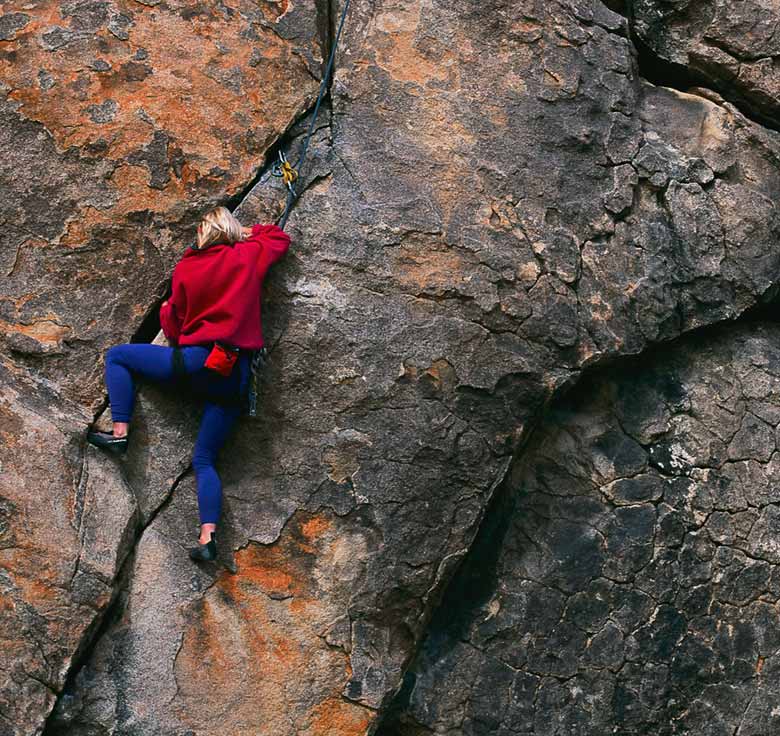
I started out with this image.
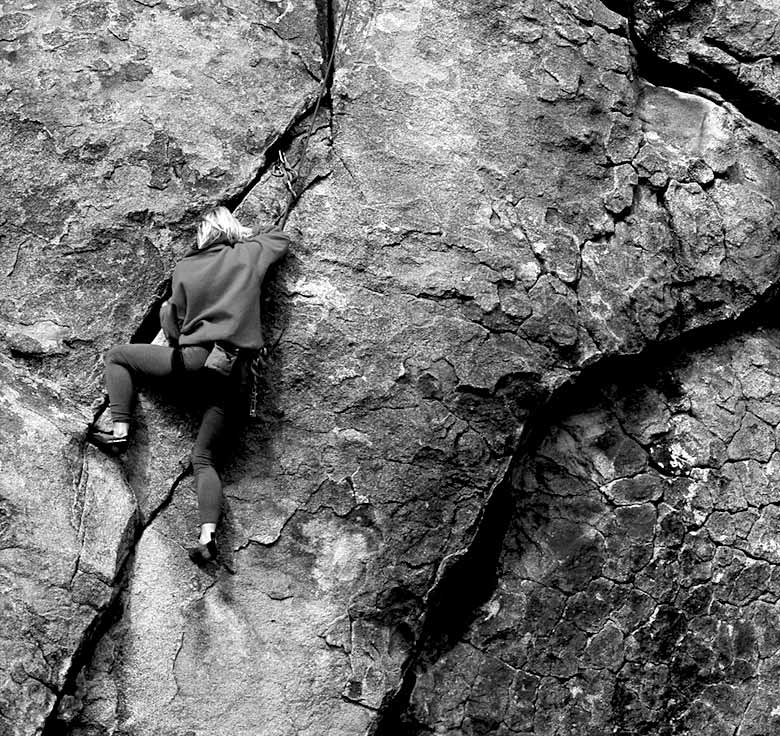
This displacement map was made by desaturating a copy of the original image and then accentuating the contrast using the levels adjustment tool.
I created this flag decal image from scratch on it's own layer right in the photo file.

This is what the decal looked like after running the displacement on it. The displacement filter analyzes the light and dark areas of an image and then displaces the edges of the decal image so that it appears to raise up and indent based on the levels of light and dark of the displacement map. I then set the layer blend mode to Overlay and set the Fill opacity to 42% so details of the rocks below could show through. I used an eraser tool at high magnification to erase the part of the decal image where the woman and her climbing gear are so that they would not have a flag image overlayed on them too.
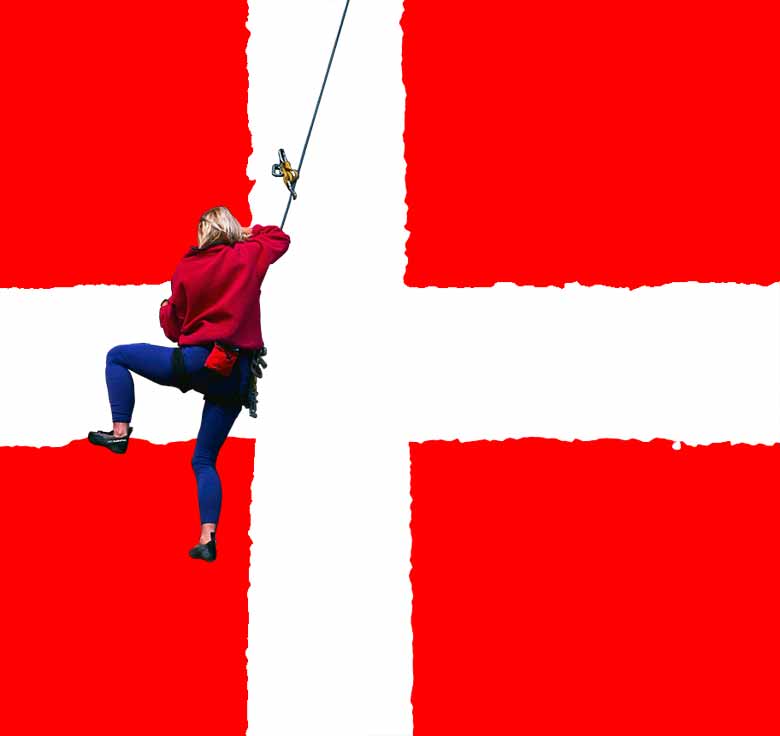
I like how well this works, making it look convincingly as if the rock really is painted with a Danish flag.