Windows Desktop Backgrounds
May 2026
D U A L S C R E E N
(3440x1440)
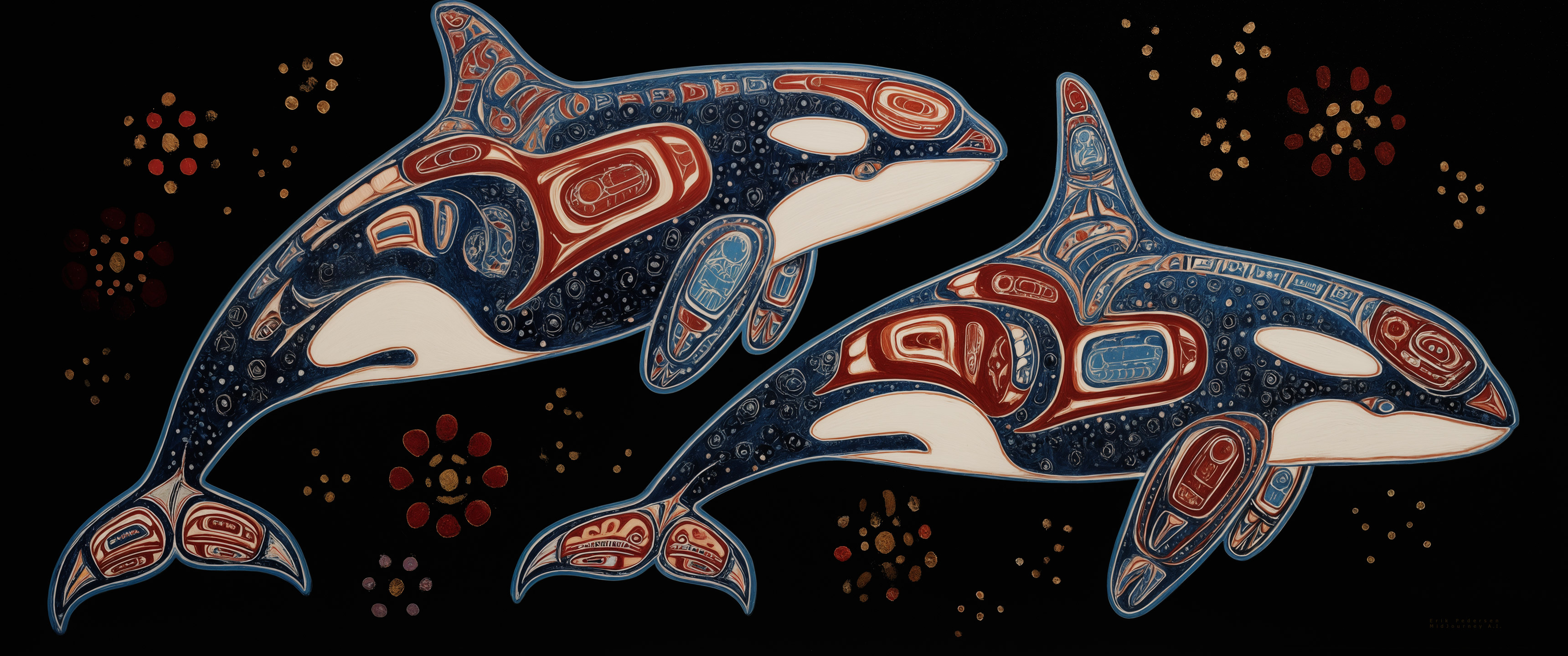
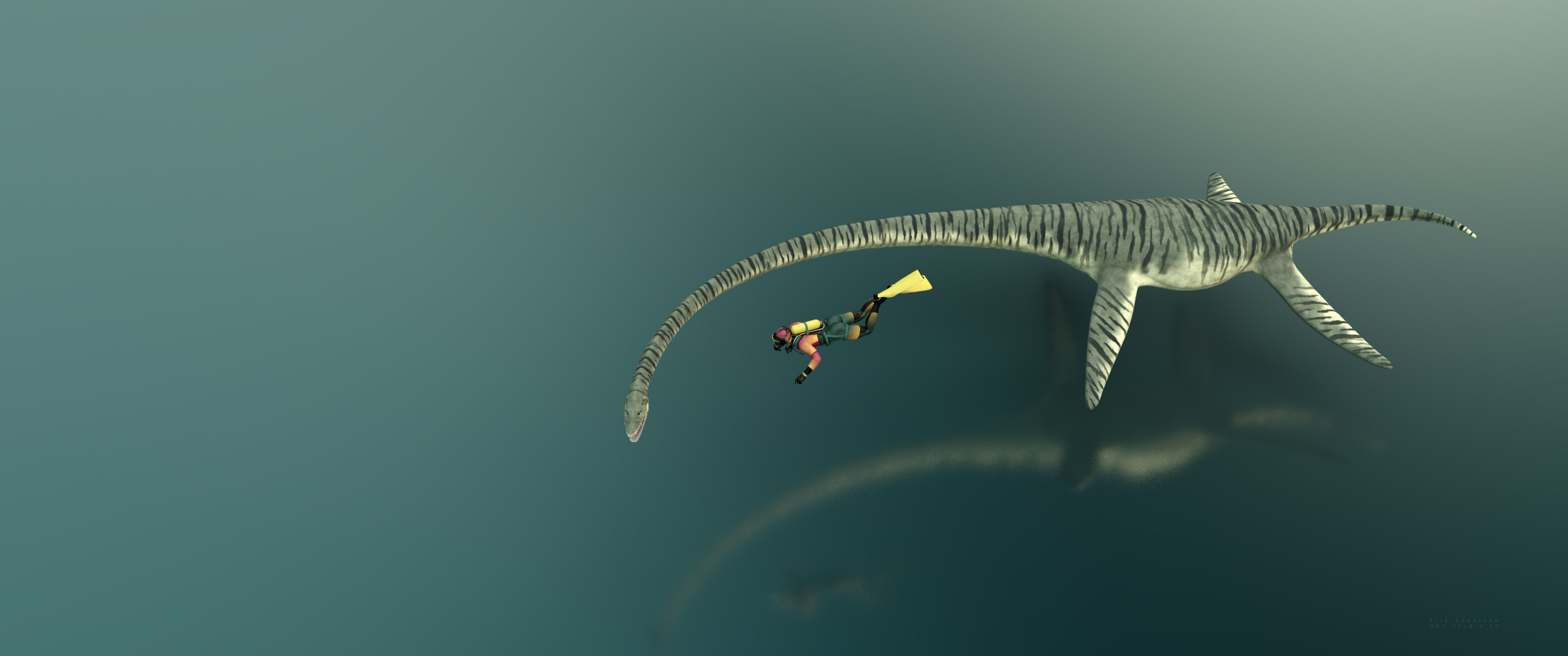
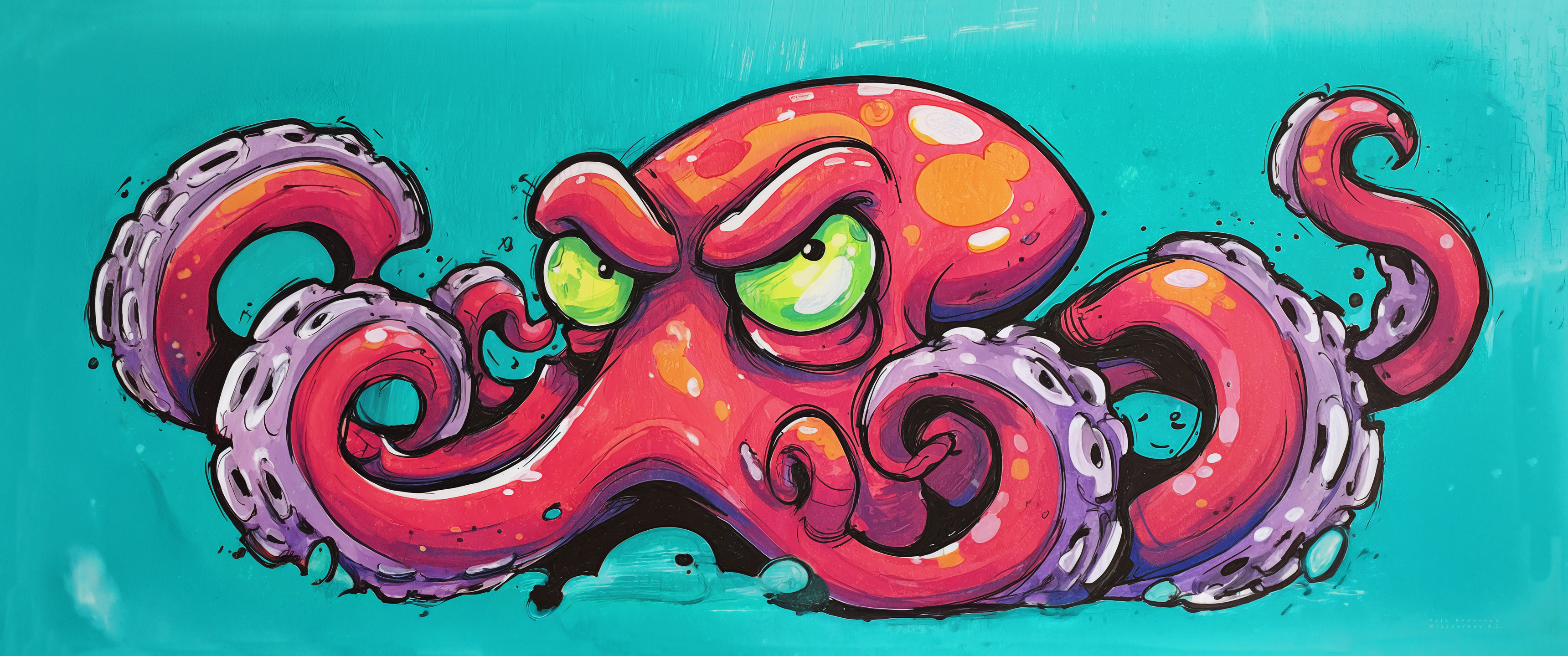
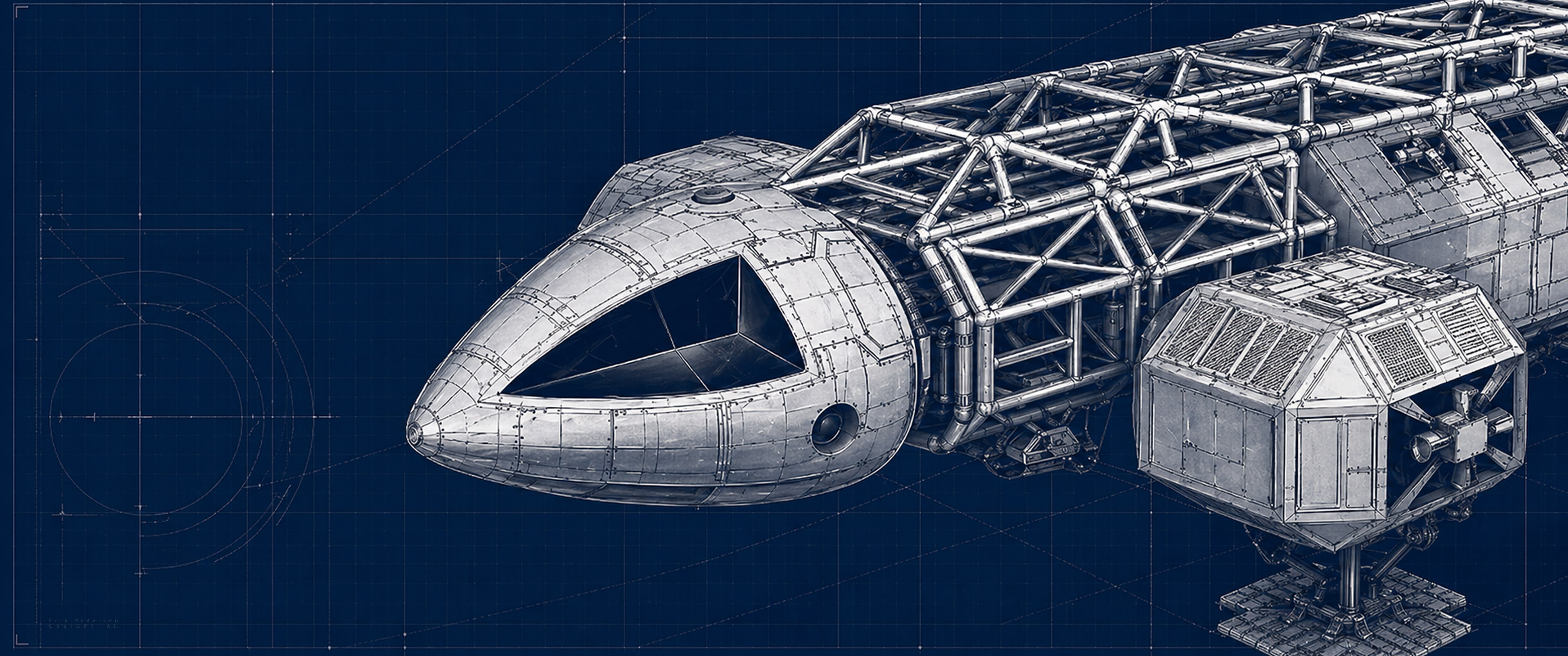
In Windows, set your desktop properties to 'Span', 'Tile' or 'Tile Horizontally' if available. This should cause the DualTopper to span both monitors. If you have a single widescreen monitor choose 'Center'. The fit will depend on your actual screen resolution.
















Disclaimer: The images used in this web site are meant for use 'as is' and responsibility in how these images are used rests solely with the end user. No race or gender is intentionally given preferential treatment nor is any endorsement of any idea, product or concept implied.